What Happens to Your Files in the Cloud?
Apr 03, 2026 06:05 AM
Leandro Neto
What Happens to Your Files in the Cloud?
Many people use cloud storage every day to store documents, photos, videos, and other digital files. However, a common question remains: what actually happens to your files after you upload them to the cloud?
Understanding how cloud storage works helps users feel more confident about storing important data online.
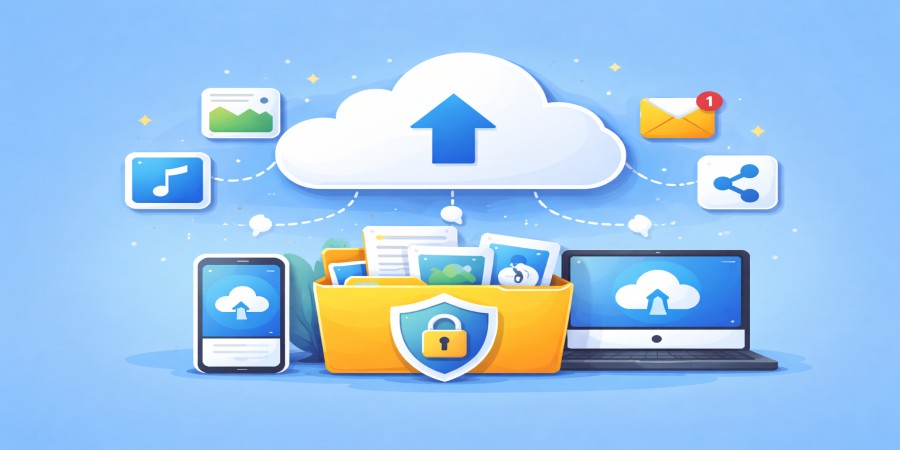
When you upload files to a cloud platform, they are stored on powerful remote servers located in secure data centers. These systems are designed to keep files safe, accessible, and organized.
Platforms like AngoFiles allow users to upload files, manage them easily, and access them from anywhere using the internet.
In this guide, we explain what happens behind the scenes when your files are stored in the cloud.
Step 1: Your File Is Uploaded to the Cloud
The first step occurs when you upload a file from your device.
This file can come from:
- a computer
- a smartphone
- a tablet
Once the upload begins, the file is transferred through the internet to the cloud provider’s servers.
The platform processes the file and prepares it for storage.
Step 2: The File Is Stored on Remote Servers
After the upload is complete, your file is stored on remote servers located in specialized data centers.
These servers are powerful computers designed to store large amounts of data safely.
Cloud servers are built to provide:
- high reliability
- continuous operation
- strong security systems
Your file becomes part of the cloud storage system and remains available whenever you access your account.
Step 3: The File Is Organized in Your Account
Once stored, the file appears in your cloud storage dashboard.
From there, you can:
- organize files into folders
- rename files
- download them
- share them with others
Cloud storage platforms like AngoFiles allow users to manage files easily through a simple interface.
Step 4: Security Systems Protect the File
Security is a key component of cloud storage systems.
When files are stored in the cloud, they are protected using various security technologies.
These protections may include:
- data encryption
- secure server environments
- user authentication systems
- access control policies
These measures help ensure that only authorized users can access their files.
Step 5: Your Files Become Accessible Anywhere
One of the biggest advantages of cloud storage is accessibility.
After your file is stored in the cloud, you can access it from different devices, including:
- laptops
- desktop computers
- smartphones
- tablets
As long as you have internet access, you can log into your account and retrieve your files.
Step 6: Files Can Be Shared Easily
Cloud storage also makes it easy to share files with others.
Instead of sending large attachments, you can generate a secure download link.
You can share this link through:
- messaging apps
- websites
- social media
Platforms like AngoFiles simplify this process by allowing users to create shareable links quickly.
Are Files Safe in the Cloud?
Modern cloud storage systems use advanced technologies to protect user data.
Cloud platforms typically implement:
- encrypted data transfers
- secure server infrastructure
- access control systems
- backup systems to prevent data loss
When used correctly, cloud storage can be one of the safest ways to store digital files.
Advantages of Storing Files in the Cloud
Storing files in the cloud offers several benefits.
These include:
Reliable File Storage
Cloud systems are designed to operate continuously without interruptions.
Easy File Access
Users can retrieve their files anytime from different devices.
Convenient File Sharing
Files can be shared quickly using download links.
Storage Flexibility
Users can store different types of files without worrying about device limitations.
Platforms like AngoFiles make file management simple and efficient.
Conclusion
When you upload files to the cloud, they are transferred to secure remote servers where they are stored, protected, and organized within your account.
These systems allow users to access files from anywhere, share them easily, and maintain reliable backups of important data.
Cloud storage has become a key part of modern digital life because it provides flexibility, convenience, and security.
Understanding what happens behind the scenes helps users trust cloud technology and take full advantage of its capabilities.
🚀 Store Your Files Safely in the Cloud
Looking for a simple and secure way to store your files online?
Use AngoFiles to upload, manage, and share your files easily.
✔ Store files securely
✔ Access files from anywhere
✔ Share files quickly with download links
Start storing your files in the cloud today.
Login or create account to leave comments
Popular articles

Optimizing Digital Work: How Cloud Storage, File Sharing, an...
Dec 14, 2025 04:08 PM

Upload and Share Your Files with Ango Files
Dec 14, 2025 03:45 PM

Best Secure Cloud Storage for Business in 2026
Jan 17, 2026 11:19 AM

Best Free Cloud Storage Services in 2026
Apr 03, 2026 07:01 AM

How to Send Large Files Over the Internet for Free (Complete...
Mar 30, 2026 05:19 PM
Categories
Comments (0)