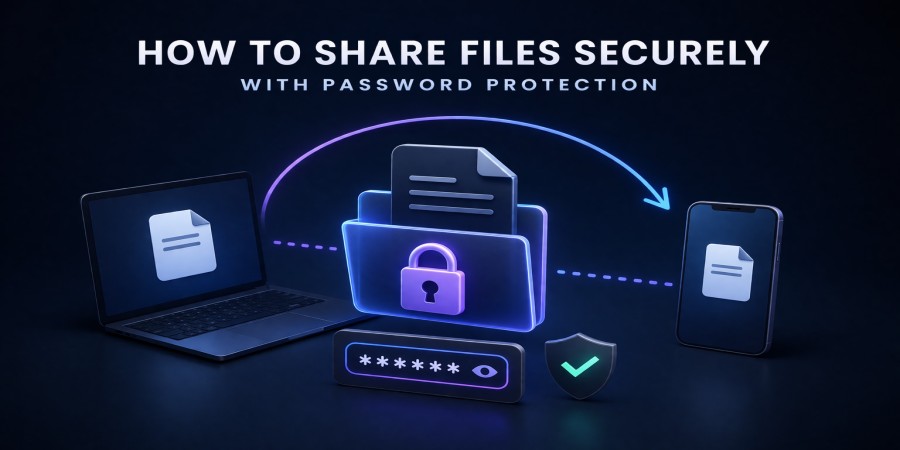
How to Share Files Securely with Password Protection
Apr 05, 2026 06:13 PM
Leandro Neto
How to Share Files Securely with Password Protection
Sharing files online is convenient, but it also raises important security concerns. When files contain sensitive information, it is essential to ensure that only authorized people can access them.
One effective way to improve file security is by using password protection. This method allows you to protect shared files so that only people with the correct password can download them.
Cloud storage platforms make this process simple by allowing users to upload files, generate download links, and secure them with additional protection.
Services like AngoFiles help users share files safely while maintaining control over who can access them.
In this guide, you will learn how to share files securely using password protection.
Why Password Protection Is Important for File Sharing
When files are shared online using download links, anyone with access to the link could potentially download the file.
Password protection adds an extra layer of security that prevents unauthorized access.
Additional Security Layer
Only people with the correct password can open the download link.
Protection for Sensitive Files
Password protection is especially important for files containing personal or business information.
Controlled Access
You can choose exactly who receives the password and who can access the file.
Step-by-Step: How to Share Files with Password Protection
Protecting shared files is usually a simple process when using cloud storage platforms.
1. Upload the File to Cloud Storage
First, upload the file you want to share.
Open a trusted cloud platform like AngoFiles and upload the file from your device.
Once uploaded, the file will be stored securely in the cloud.
2. Generate a Download Link
After the file is uploaded, create a shareable download link.
This link allows others to access the file online.
3. Enable Password Protection
If the platform supports password protection, you can set a password for the download link.
Anyone who tries to download the file will be required to enter the password first.
4. Share the Link and Password Separately
For better security, send the download link and password through different communication channels.
For example:
- send the link through email
- send the password through a messaging app
This reduces the risk of unauthorized access.
Best Types of Files to Protect with Passwords
Password protection is useful for many types of files, especially those containing important or confidential information.
Examples include:
- financial documents
- contracts and legal files
- private photos or videos
- work documents
- personal data files
Protecting these files ensures that only authorized users can access them.
Additional Tips for Secure File Sharing
Besides password protection, there are other steps you can take to improve file security.
Use Strong Passwords
Choose passwords that are difficult to guess and contain a mix of letters, numbers, and symbols.
Avoid Public Sharing
Do not post download links publicly if the files contain private information.
Delete Files When They Are No Longer Needed
Removing files from cloud storage when they are no longer required reduces security risks.
Platforms like AngoFiles help users manage files securely while making sharing easy.
Benefits of Secure File Sharing with Cloud Storage
Using cloud storage with password protection offers several advantages.
Increased Privacy
Sensitive files remain protected from unauthorized access.
Safe File Transfers
Files can be shared safely between colleagues, clients, or friends.
Easy Access for Authorized Users
People with the password can quickly access and download the file.
Reliable Storage
Files remain safely stored online until they are downloaded or removed.
Conclusion
Sharing files online is easy, but security should always be a priority. Password protection provides a simple and effective way to protect shared files from unauthorized access.
By uploading files to cloud storage and protecting download links with passwords, you can safely share important information while maintaining control over who can access it.
Platforms like AngoFiles make secure file sharing simple and efficient.
🚀 Share Files Securely Today
Need to send files safely?
Upload your files to AngoFiles and protect them with secure sharing options.
✔ Upload files quickly
✔ Share protected download links
✔ Keep your files secure
Start sharing files safely today.
Login or create account to leave comments
Popular articles

Optimizing Digital Work: How Cloud Storage, File Sharing, an...
Dec 14, 2025 04:08 PM

Upload and Share Your Files with Ango Files
Dec 14, 2025 03:45 PM

Best Secure Cloud Storage for Business in 2026
Jan 17, 2026 11:19 AM

Best Free Cloud Storage Services in 2026
Apr 03, 2026 07:01 AM

How to Send Large Files Over the Internet for Free (Complete...
Mar 30, 2026 05:19 PM
Categories
Comments (0)