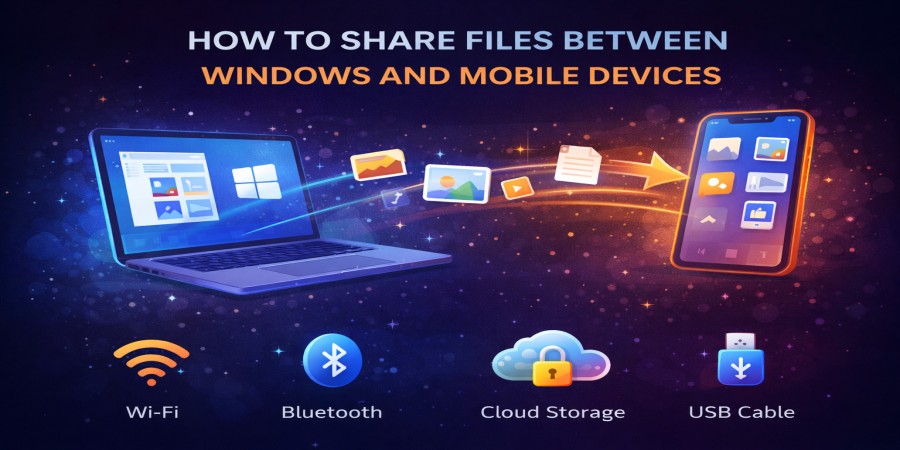
How to Share Files Between Windows and Mobile Devices
Apr 09, 2026 06:19 PM
Leandro Neto
How to Share Files Between Windows and Mobile Devices
Sharing files between a Windows computer and a mobile device has become very common in today’s digital world. People often need to move photos, documents, videos, and other files between their phone and computer for work, school, or personal use.
Fortunately, there are several simple ways to transfer files between Windows devices and smartphones quickly and safely. In this guide, we will explore the most effective methods for sharing files between these devices.
Why People Need to Share Files Between Devices
Many users switch between their computers and mobile devices throughout the day. Being able to transfer files between them helps improve productivity and convenience.
Some common situations include:
- Moving photos from a phone to a computer
- Sending documents from a computer to a phone
- Backing up files from a mobile device
- Sharing videos or media files
- Accessing files on different devices
Understanding the available methods makes file sharing much easier.
Method 1: Using Cloud Storage
One of the easiest ways to share files between Windows and mobile devices is through cloud storage.
With this method, you simply upload a file from one device and download it on the other device.
How it works:
- Upload the file from your Windows computer to cloud storage.
- Open the cloud storage service on your phone.
- Download the file to your mobile device.
You can also do the opposite by uploading files from your phone and downloading them on your computer.
This method is convenient because it allows access to files from anywhere with an internet connection.
Method 2: Using USB Cable
Another common way to transfer files is by connecting your mobile device directly to your Windows computer using a USB cable.
Steps:
- Connect your phone to your computer with a USB cable.
- Allow file transfer on your mobile device if prompted.
- Open the device storage on your Windows computer.
- Drag and drop the files between devices.
This method is reliable and works well for transferring large files.
Method 3: Using Wireless File Transfer Apps
Many applications allow users to transfer files wirelessly between devices on the same network.
These apps typically work by creating a connection between the computer and the mobile device through Wi-Fi.
Advantages of wireless transfer:
- No cables required
- Fast transfer speeds
- Easy file selection
- Works for multiple file types
This option is ideal for users who frequently transfer files between devices.
Method 4: Using Email
Email is another simple method for transferring small files.
How it works:
- Attach the file to an email message.
- Send the email to yourself.
- Open the email on your other device.
- Download the attachment.
However, email usually has file size limits, so it is best used for smaller documents or images.
Method 5: Using Direct Download Links
Another effective method is sharing files through direct download links.
With this approach, a file is uploaded online and a link is generated. Anyone with the link can download the file on any device.
This method works well for:
- Sharing large files
- Accessing files on multiple devices
- Sending files quickly to others
Direct links make it easy to transfer files between Windows computers and mobile devices without complicated steps.
Tips for Faster File Transfers
To improve file sharing between devices, consider these tips:
- Use a stable internet connection
- Compress large files before uploading
- Avoid transferring too many files at once
- Keep your devices updated
These practices can help make the process faster and smoother.
Conclusion
Sharing files between Windows computers and mobile devices is easier than ever thanks to modern technology. Whether you use cloud storage, USB cables, wireless apps, email, or download links, there are many ways to transfer files quickly and efficiently.
By choosing the right method for your situation, you can move files between devices with minimal effort.
Looking for a simple way to share files between your devices?
Upload your files online and generate a fast download link that works on both Windows and mobile devices.
Start uploading now and access your files anytime, anywhere.
Login or create account to leave comments
Popular articles

Optimizing Digital Work: How Cloud Storage, File Sharing, an...
Dec 14, 2025 04:08 PM

Upload and Share Your Files with Ango Files
Dec 14, 2025 03:45 PM

Best Secure Cloud Storage for Business in 2026
Jan 17, 2026 11:19 AM

Best Free Cloud Storage Services in 2026
Apr 03, 2026 07:01 AM

How to Send Large Files Over the Internet for Free (Complete...
Mar 30, 2026 05:19 PM
Categories
Comments (0)