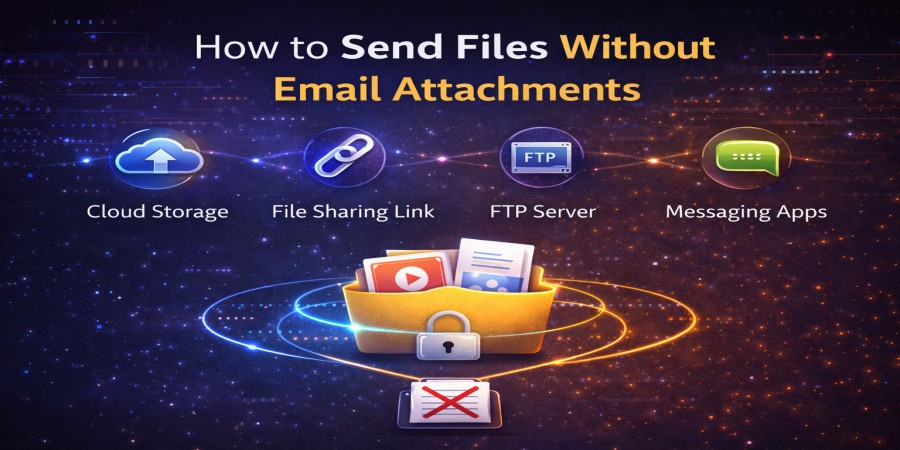
How to Send Files Without Email Attachments
Apr 09, 2026 06:29 PM
Leandro Neto
How to Send Files Without Email Attachments
Email has long been a common way to send files, but attachments often come with limitations. Many email services restrict the maximum file size you can send, and large attachments can quickly fill up inbox storage.
Because of these limitations, many people now prefer alternative ways to send files without using email attachments. These methods are faster, more efficient, and often allow you to share much larger files.
In this guide, we will explore several simple ways to send files without attaching them to an email.
Why Avoid Email Attachments?
While email attachments are convenient for small files, they can become problematic when files are larger or when multiple files need to be shared.
Here are some common issues with email attachments:
- File size limits (often around 20–25 MB)
- Slow upload and download speeds
- Inbox storage limitations
- Difficulty sharing multiple files
- Attachment restrictions from email providers
Because of these issues, many users prefer more flexible file-sharing methods.
Method 1: Use File Sharing Links
One of the most popular ways to send files without attachments is by using file sharing links.
Instead of attaching the file to an email, you upload the file to an online platform. The system then generates a download link that you can send to anyone.
How it works
- Upload your file to an online file-sharing service.
- The platform generates a download link.
- Copy the link.
- Send the link through email, messaging apps, or social media.
The recipient simply clicks the link to download the file.
Advantages
- No attachment size limits
- Faster file transfers
- Easy to share large files
- Works across different devices
This method is widely used for sharing documents, photos, videos, and large project files.
Method 2: Use Cloud Storage
Cloud storage services allow users to store files online and share access to them.
Instead of sending the file itself, you send a link that gives the recipient permission to view or download the file.
Benefits of cloud sharing
- Files remain stored online
- Easy access from multiple devices
- Simple file management
- Useful for collaboration
This method works well for teams and individuals who frequently share files.
Method 3: Use Messaging Apps
Many messaging platforms allow users to send files directly through chat.
You can upload a file and send it instantly to the recipient without needing email.
This method is useful for quick file sharing, especially when communicating with colleagues, friends, or clients.
However, messaging platforms may still have file size limits depending on the service.
Method 4: Generate a Direct Download Page
Some file-sharing platforms allow users to generate a download page for their uploaded files.
This page contains the file information and a download button that recipients can use to get the file.
This method is often used by:
- Content creators
- Freelancers sending files to clients
- Website owners distributing downloads
- Developers sharing software files
It offers a professional and organized way to distribute files.
Method 5: Compress Files Before Sharing
If a file is too large, compressing it can make sharing easier.
File compression reduces the size of a file or folder, allowing it to be uploaded and shared more efficiently.
Compressed files are especially useful when sending:
- Multiple documents
- Large project folders
- Image collections
- Backup archives
Once downloaded, the recipient can extract the files and access the original content.
Tips for Sending Files Efficiently
To make file sharing smoother and more efficient, consider these tips:
- Organize files before uploading
- Use clear file names
- Compress large folders
- Share download links instead of attachments
- Check file size before sending
These simple steps can help prevent common file-sharing problems.
Conclusion
Sending files without email attachments is often faster, easier, and more flexible. By using file-sharing links, cloud storage, messaging platforms, or download pages, users can transfer files efficiently without worrying about attachment size limits.
As digital file sharing continues to grow, these alternative methods provide a smarter and more reliable way to send files online.
Need an easy way to send files without email attachments?
Upload your files in seconds and generate a secure download link that you can share with anyone.
Start uploading now and make file sharing simple and fast.
Login or create account to leave comments
Popular articles

Optimizing Digital Work: How Cloud Storage, File Sharing, an...
Dec 14, 2025 04:08 PM

Upload and Share Your Files with Ango Files
Dec 14, 2025 03:45 PM

Best Secure Cloud Storage for Business in 2026
Jan 17, 2026 11:19 AM

Best Free Cloud Storage Services in 2026
Apr 03, 2026 07:01 AM

How to Send Large Files Over the Internet for Free (Complete...
Mar 30, 2026 05:19 PM
Categories
Comments (0)