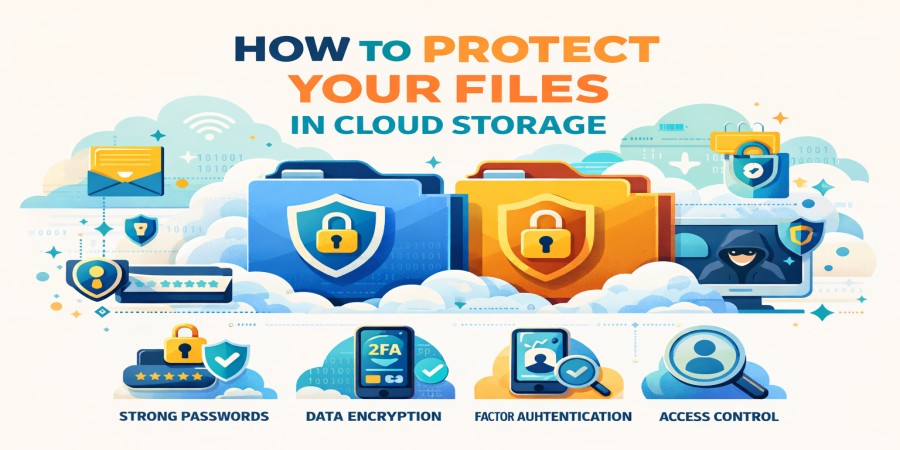
How to Protect Your Files in Cloud Storage
Mar 31, 2026 04:02 PM
Leandro Neto
How to Protect Your Files in Cloud Storage
Cloud storage has revolutionized the way people store and share files. Instead of relying only on physical devices like hard drives or USB sticks, users can upload their files to online servers and access them from anywhere.
However, storing files online also raises an important question: How can you protect your files in cloud storage?
Although most cloud services offer strong security features, users must also take responsibility for protecting their accounts and data. In this guide, we explain the best practices for keeping your files safe in the cloud.
Modern platforms such as AngoFiles, along with services like Google Drive and Dropbox, provide security tools that help protect user files online.
Use Strong and Unique Passwords
One of the most common causes of cloud storage breaches is weak passwords.
A strong password should include:
- uppercase and lowercase letters
- numbers
- special characters
Avoid using personal information such as birthdays or simple sequences like "123456".
It is also recommended to use different passwords for different platforms to reduce security risks.
Enable Two-Factor Authentication (2FA)
Two-Factor Authentication adds an extra layer of security to your account.
When enabled, you will need two forms of verification to log in:
- Your password
- A verification code sent to your phone or authentication app
This means that even if someone steals your password, they still cannot access your account without the second verification.
Most modern cloud platforms offer this feature to improve account protection.
Encrypt Sensitive Files
Encryption converts your data into unreadable code so that only authorized users can access it.
While many cloud services already encrypt stored data, you can also encrypt important files before uploading them.
This adds an additional layer of protection for sensitive information such as:
- business documents
- financial records
- personal identification files
Control File Sharing Permissions
One of the biggest advantages of cloud storage is the ability to share files easily. However, careless sharing can expose sensitive information.
When sharing files online, always:
- restrict access to specific people
- use password-protected links
- set expiration dates for shared links
These measures prevent unauthorized users from accessing your files.
Avoid Using Public Wi-Fi for File Access
Public Wi-Fi networks in places like cafés, airports, and hotels can be unsafe.
Hackers may intercept data transmitted through these networks.
If you must access your cloud storage on public Wi-Fi, consider using:
- a VPN connection
- secure websites with HTTPS encryption
These tools help protect your data during transmission.
Keep Your Devices Secure
Cloud security does not only depend on the cloud platform itself. Your personal devices must also be protected.
Make sure to:
- keep your operating system updated
- install antivirus software
- lock your devices with passwords or biometrics
This prevents unauthorized access to your cloud accounts.
Regularly Backup Important Files
Even with strong security, accidents can happen. Files may be deleted by mistake or lost due to technical problems.
Creating backups ensures that you always have copies of your important files.
Many cloud platforms provide automatic backup options that help protect data from accidental loss.
Monitor Account Activity
Checking your account activity can help detect suspicious behavior.
Most cloud services allow users to view:
- login history
- connected devices
- file access activity
If you notice unknown devices or locations accessing your account, change your password immediately.
Why Secure Cloud Storage Matters
Cloud storage is now essential for individuals, businesses, and content creators. People store everything from personal photos to professional documents online.
Platforms such as AngoFiles help users upload, manage, and share files safely while offering modern security technologies.
When users follow good security practices, cloud storage becomes one of the safest ways to store digital data.
Conclusion
Protecting your files in cloud storage requires both secure technology and responsible user behavior. By using strong passwords, enabling two-factor authentication, encrypting sensitive files, and controlling sharing permissions, you can significantly improve your data security.
Cloud storage offers incredible convenience and flexibility, but understanding how to protect your files ensures that you can enjoy these benefits safely.
Want a safe and reliable place to store your files online?
Start using AngoFiles to upload, manage, and share your files securely from anywhere.
Visit now:
https://angofiles.com
Login or create account to leave comments
Popular articles

Optimizing Digital Work: How Cloud Storage, File Sharing, an...
Dec 14, 2025 04:08 PM

Upload and Share Your Files with Ango Files
Dec 14, 2025 03:45 PM

Best Secure Cloud Storage for Business in 2026
Jan 17, 2026 11:19 AM

Best Free Cloud Storage Services in 2026
Apr 03, 2026 07:01 AM

How to Send Large Files Over the Internet for Free (Complete...
Mar 30, 2026 05:19 PM
Categories
Comments (0)