How Internet Speed Affects File Uploads
Apr 12, 2026 05:40 PM
Leandro Neto
How Internet Speed Affects File Uploads
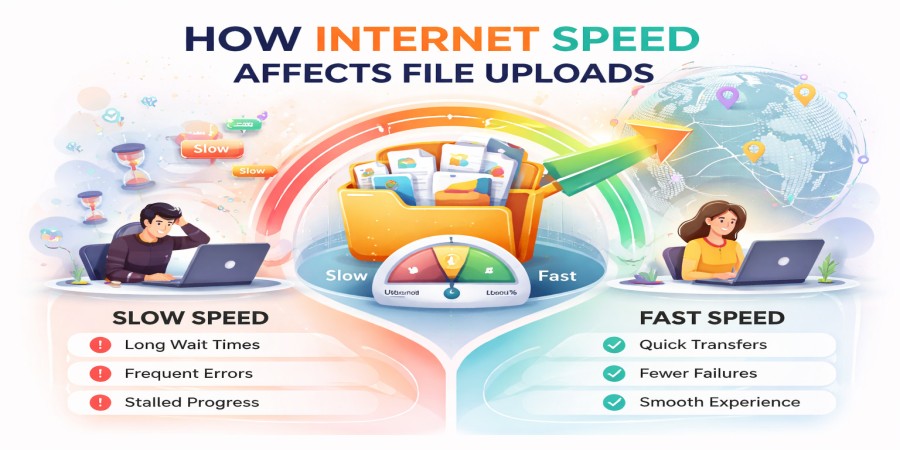
When uploading files online, one of the most important factors that determines how fast the process will be is your internet speed. Whether you're uploading documents, images, videos, or large project files, your connection speed directly impacts how long it takes for your files to reach the server.
In this article, we’ll explain how internet speed affects file uploads and what you can do to improve your upload performance.
What Is Internet Speed?
Internet speed refers to how quickly data is transferred between your device and the internet. It is usually measured in:
- Megabits per second (Mbps)
- Gigabits per second (Gbps)
There are two main types of internet speed:
- Download speed – how fast data is received from the internet
- Upload speed – how fast data is sent to the internet
When uploading files, upload speed is the most important factor.
How Upload Speed Affects File Transfers
Upload speed determines how quickly your files are sent from your device to a server.
For example:
- A higher upload speed means faster file transfers
- A lower upload speed results in slower uploads
If you are uploading large files with a slow connection, the process can take a long time or even fail.
File Size vs Upload Speed
The size of the file you are uploading also plays a major role.
- Small files upload quickly, even with moderate speeds
- Large files require more time and a stronger connection
For instance, uploading a 10 MB file is much faster than uploading a 5 GB video file.
This is why many users compress files before uploading them.
Bandwidth and Network Usage
Bandwidth affects how much data can be transferred at once.
If multiple devices or applications are using the internet at the same time, your upload speed may decrease.
Examples of activities that can slow down uploads:
- Streaming videos
- Online gaming
- Downloading files
- Background updates
Reducing network usage can help improve upload performance.
Connection Type Matters
The type of internet connection you use can significantly affect upload speeds.
Wi-Fi Connection
- Convenient but can be unstable
- Speed may vary depending on distance from the router
- Can experience interference
Wired Connection (Ethernet)
- More stable and reliable
- Usually faster upload speeds
- Ideal for large file transfers
Using a wired connection is often the best option for faster uploads.
Server Performance Also Plays a Role
Even with a fast internet connection, upload speed can be affected by the platform’s servers.
If the server is slow or overloaded:
- Uploads may take longer
- Transfer speeds may drop
- Uploads may fail
That’s why using a reliable file hosting platform is important.
Tips to Improve Upload Speed
If you want to upload files faster, here are some practical tips:
Compress Your Files
Reducing file size makes uploads quicker and more efficient.
Use a Wired Connection
Switch to Ethernet for better stability and speed.
Close Background Applications
Free up bandwidth by closing apps that use the internet.
Upload During Off-Peak Hours
Less network congestion can improve speeds.
Upgrade Your Internet Plan
Higher upload speeds can significantly reduce upload time.
Why This Matters
Understanding how internet speed affects file uploads helps you:
- Plan file transfers more efficiently
- Avoid long waiting times
- Improve productivity
- Share files more reliably
It also helps you choose the best methods for uploading large files.
Conclusion
Internet speed plays a critical role in file uploads. Faster upload speeds lead to quicker transfers, while slower connections can cause delays and frustration.
By optimizing your connection, reducing file sizes, and using efficient methods, you can significantly improve your upload experience and share files more effectively.
Want a faster and more reliable way to upload your files?
Upload your files in seconds and generate secure download links that work across all your devices.
Start uploading now and enjoy smoother file sharing.
Login or create account to leave comments
Popular articles

Optimizing Digital Work: How Cloud Storage, File Sharing, an...
Dec 14, 2025 04:08 PM

Upload and Share Your Files with Ango Files
Dec 14, 2025 03:45 PM

Best Secure Cloud Storage for Business in 2026
Jan 17, 2026 11:19 AM

Best Free Cloud Storage Services in 2026
Apr 03, 2026 07:01 AM

How to Send Large Files Over the Internet for Free (Complete...
Mar 30, 2026 05:19 PM
Categories
Comments (0)