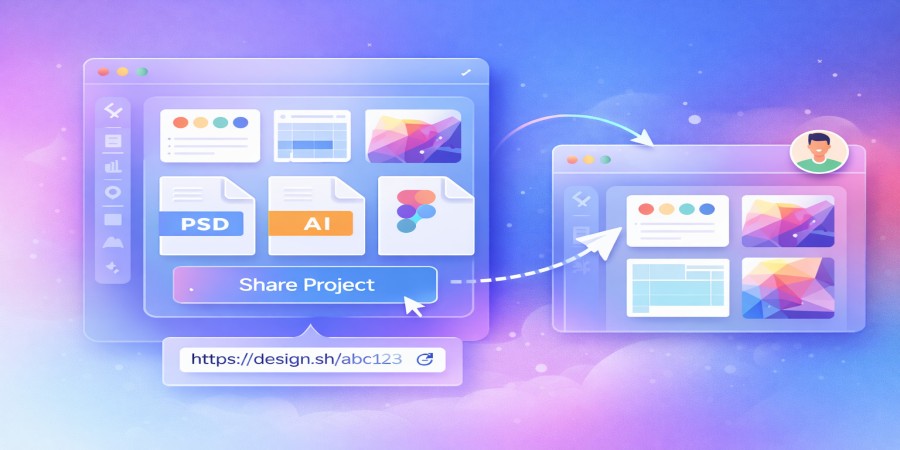
How Designers Share Large Project Files Online
Apr 06, 2026 11:26 AM
Leandro Neto
How Designers Share Large Project Files Online
Graphic designers often work with very large files. High-resolution images, layered design projects, vector graphics, and complex layouts can quickly grow to hundreds of megabytes or even several gigabytes.
Sharing these large project files with clients or collaborators can be challenging, especially when traditional methods like email attachments have strict size limits.
Cloud storage platforms provide a simple and efficient solution. Instead of trying to attach large files to emails, designers can upload their work to the cloud and share it using secure download links.
Platforms like AngoFiles allow designers to upload large project files and share them easily with clients and team members.
In this guide, we explain how designers share large project files online and why cloud storage has become an essential tool in modern design workflows.
Why Design Files Are Often Large
Design projects can become very large due to the type of files designers work with.
Several factors contribute to large file sizes.
High-Resolution Images
Professional design projects often use high-resolution images that maintain quality for print or large screens.
Multiple Layers
Design software frequently uses layers to organize elements such as text, images, shapes, and effects.
Embedded Assets
Fonts, textures, icons, and linked graphics can increase the total file size.
Complex Visual Effects
Advanced visual effects, filters, and vector elements can also increase the size of a design project.
Because of these factors, sending design files through traditional file-sharing methods can be difficult.
Best Way for Designers to Share Large Files
Cloud storage is one of the most efficient ways for designers to share their work.
Instead of sending files directly, designers upload the project to a cloud platform and generate a download link.
This method offers several benefits.
Faster File Transfers
Large files can be uploaded once and downloaded by multiple people.
No Attachment Limits
Cloud storage removes the size restrictions found in email systems.
Easy Collaboration
Clients and team members can access the same file using a single link.
Preserved File Quality
Design files remain exactly the same as when they were uploaded.
Platforms like AngoFiles make it easy for designers to upload large projects and generate shareable links.
Step-by-Step: How Designers Share Large Project Files
Sharing large design files online usually involves a simple process.
1. Export or Package the Design Project
Before sharing a design file, many designers package or export their project.
This may include:
- the main project file
- linked images or assets
- fonts used in the design
- additional resources
Sometimes designers compress everything into a ZIP folder to keep files organized.
2. Upload the File to Cloud Storage
Once the project is ready, it can be uploaded to a cloud storage platform.
Uploading the file ensures it is stored securely online and can be accessed by others.
3. Generate a Download Link
After uploading the file, the platform creates a download link.
This link can be shared with clients or collaborators who need access to the project.
4. Share the Link with Clients or Team Members
The download link can be sent through:
- messaging apps
- project management tools
- websites or portfolio pages
Recipients can then download the design files directly.
Types of Design Files Commonly Shared Online
Designers often share a wide variety of file types.
Examples include:
- layered design files
- vector graphics
- branding projects
- website design files
- high-resolution images
- presentation graphics
Because these files can be very large, cloud file hosting is often the most practical solution.
Tips for Designers When Sharing Large Files
To improve the file-sharing process, designers often follow a few best practices.
Compress Project Files
Compressing files into ZIP folders helps keep everything organized.
Use Clear File Names
Clear file names make it easier for clients to understand the contents of the project.
Organize Files in Folders
Proper organization helps teams collaborate more effectively.
Platforms like AngoFiles help designers manage and share large files easily.
Benefits of Cloud Storage for Designers
Cloud storage has become an essential tool for many designers because it simplifies file sharing.
Easy Client Collaboration
Clients can quickly download project files for review.
Faster File Delivery
Designers can send large projects in seconds using download links.
Reliable Storage
Files remain safely stored online.
Access from Anywhere
Designers and clients can access files from any device.
Conclusion
Designers regularly work with large project files that can be difficult to send using traditional methods. Cloud storage platforms provide a reliable solution by allowing files to be uploaded once and shared through download links.
This approach makes it easier for designers to collaborate with clients and team members while preserving the quality of their work.
Platforms like AngoFiles simplify the process of uploading and sharing large design files online.
🚀 Share Your Design Files Easily
Need to send large design projects to clients?
Upload your files to AngoFiles and generate a secure download link instantly.
✔ Upload large design files
✔ Share projects with clients easily
✔ Send files without size limits
Start sharing your design files today.
Login or create account to leave comments
Popular articles

Optimizing Digital Work: How Cloud Storage, File Sharing, an...
Dec 14, 2025 04:08 PM

Upload and Share Your Files with Ango Files
Dec 14, 2025 03:45 PM

Best Secure Cloud Storage for Business in 2026
Jan 17, 2026 11:19 AM

Best Free Cloud Storage Services in 2026
Apr 03, 2026 07:01 AM

How to Send Large Files Over the Internet for Free (Complete...
Mar 30, 2026 05:19 PM
Categories
Comments (0)