How a Download Link Works Behind the Scenes
Apr 15, 2026 11:52 AM
Leandro Neto
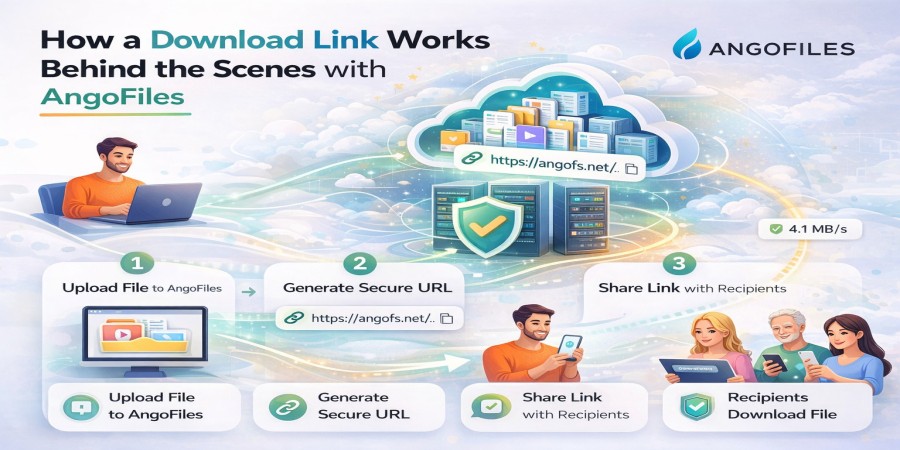
How a Download Link Works Behind the Scenes
Download links are a fundamental part of the internet. Every time you click a button to download a file, a complex process begins behind the scenes one that involves servers, protocols, security systems, and data transfer mechanisms.
While it may look simple on the surface, a download link is actually a powerful system designed to deliver files quickly, securely, and efficiently.
In this in-depth guide, we will break down exactly how a download link works, step by step.
What Is a Download Link?
A download link is a URL that points to a file stored on a server. When a user clicks the link, it triggers a request to retrieve that file and transfer it to the user’s device.
A typical download link includes:
- A domain (the platform hosting the file)
- A file identifier (unique ID for the file)
- Optional security parameters (tokens, expiration data)
Example structure:
https://example.com/file/unique-id
Step 1: The User Clicks the Link
The process begins when a user clicks a download link.
At this moment:
- The browser sends a request to the server
- The request includes information like IP address, device type, and browser
This request is sent using HTTP or HTTPS protocols.
Step 2: DNS Resolution
Before the request reaches the server, the browser must find where the server is located.
This is done through DNS (Domain Name System):
- The domain name is translated into an IP address
- The browser uses that IP to locate the server
This step usually takes milliseconds but is essential.
Step 3: Server Receives the Request
Once the request reaches the server:
- The server identifies the requested file
- It checks if the file exists
- It verifies permissions and access rules
If everything is valid, the server prepares the file for delivery.
Step 4: Security and Validation
Modern download systems include multiple security checks:
- Is the link still valid?
- Has it expired?
- Does it require a password?
- Is the user authorized?
Some platforms also use tokens to prevent unauthorized sharing.
If the request fails any of these checks, the download is blocked.
Step 5: File Processing and Preparation
Before sending the file, the server may:
- Compress the file
- Split it into smaller chunks
- Optimize it for faster transfer
This improves speed and reliability.
Step 6: Data Transfer Begins
The server starts sending the file to the user’s device.
This happens in small packets of data:
- Data is broken into chunks
- Each chunk is transmitted over the internet
- The user’s device reassembles the file
This process uses protocols like TCP/IP to ensure accuracy.
Step 7: Download Manager or Browser Handles the File
The browser or download manager:
- Receives the data packets
- Reconstructs the file
- Saves it to the device
If the connection is interrupted, some systems allow the download to resume.
Step 8: Completion and Verification
Once the download finishes:
- The file is fully assembled
- The system may verify file integrity
- The file becomes accessible to the user
Key Technologies Behind Download Links
HTTP/HTTPS Protocols
These control how data is transferred between the server and the user.
Servers and Storage Systems
Files are stored on powerful machines designed for high-speed access.
Content Delivery Networks (CDNs)
CDNs distribute files across multiple locations worldwide to improve speed.
File Chunking
Large files are split into smaller parts for efficient transfer.
Types of Download Links
Direct Download Links
Start downloading immediately after clicking.
Indirect Download Links
Lead to a page where the user must click a button or wait.
Temporary Links
Expire after a certain time.
Protected Links
Require passwords or authentication.
Factors That Affect Download Speed
- Internet connection speed
- Server performance
- Distance from server
- File size
- Network congestion
All these factors influence how fast a file is delivered.
Why Download Links Sometimes Fail
Common reasons include:
- Broken or expired links
- Server downtime
- Network issues
- File removal
- Permission restrictions
Understanding these issues helps troubleshoot problems.
How Cloud Platforms Optimize Downloads
Modern platforms improve performance using:
- Distributed servers
- Load balancing
- Smart caching
- High-speed infrastructure
These technologies ensure fast and reliable downloads.
Conclusion
A download link may seem simple, but behind it lies a sophisticated system that coordinates servers, networks, and protocols to deliver files efficiently.
By understanding how download links work, you gain insight into how the internet handles data and how platforms optimize file sharing.
Want to experience fast and reliable file sharing?
Start using a powerful cloud storage platform today, upload your files, and share secure download links with ease. Take control of your file distribution and deliver content efficiently.
Login or create account to leave comments
Popular articles

Optimizing Digital Work: How Cloud Storage, File Sharing, an...
Dec 14, 2025 04:08 PM

Upload and Share Your Files with Ango Files
Dec 14, 2025 03:45 PM

Best Secure Cloud Storage for Business in 2026
Jan 17, 2026 11:19 AM

Best Free Cloud Storage Services in 2026
Apr 03, 2026 07:01 AM

How to Send Large Files Over the Internet for Free (Complete...
Mar 30, 2026 05:19 PM
Categories
Comments (0)