Cloud Backup: Why You Should Never Ignore It
Mar 31, 2026 11:11 AM
Leandro Neto
Cloud Backup: Why You Should Never Ignore It
In today’s digital world, data is more valuable than ever. From personal photos and videos to business documents and important files, people rely heavily on digital information every day.
However, many users still underestimate the importance of backing up their data regularly. Losing files due to accidental deletion, hardware failure, or cyber threats can happen at any time.
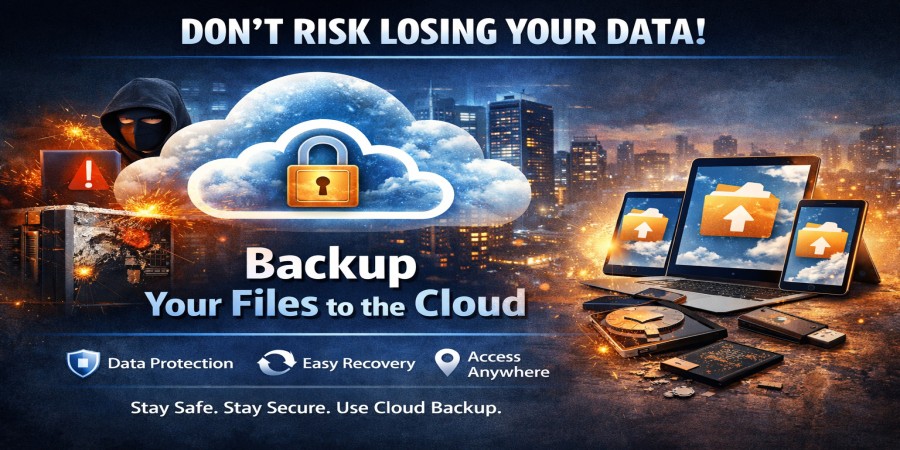
This is where cloud backup becomes essential. By storing copies of your files online, you ensure that your important data remains safe and accessible even if something goes wrong.
In this article, we explain why cloud backup is something you should never ignore.
What Is Cloud Backup?
Cloud backup is the process of storing copies of your files on remote servers connected to the internet.
Instead of keeping your files only on your computer or smartphone, cloud backup systems automatically create secure copies online.
These backups allow you to restore your files if they are lost, deleted, or damaged.
Platforms like AngoFiles also provide reliable solutions for storing and protecting important files online.
Why Cloud Backup Is So Important
1. Protection Against Data Loss
Data loss can occur unexpectedly due to:
- hardware failures
- system crashes
- accidental deletion
- malware or viruses
Cloud backup ensures that even if your device fails, your files remain safely stored online.
2. Easy File Recovery
One of the biggest advantages of cloud backup is the ability to restore lost files quickly.
If your files disappear, you can simply download them again from the backup storage.
This saves time and reduces stress when dealing with lost data.
3. Protection From Hardware Damage
Computers, external drives, and USB devices can be damaged or lost.
If your files exist only on physical devices, they may be impossible to recover.
Cloud backup protects your files by storing them in secure online data centers.
4. Automatic Backups
Many cloud backup systems allow users to automate the backup process.
This means your files are backed up regularly without requiring manual actions.
Automatic backups reduce the risk of forgetting to protect important data.
5. Remote Access to Files
With cloud backup, you can access your files from anywhere with an internet connection.
This means you can restore files even if your computer is no longer available.
Common Causes of Data Loss
Understanding the risks helps explain why cloud backup is essential.
Some of the most common causes of data loss include:
- accidental file deletion
- malware attacks
- software errors
- hard drive failure
- power outages
- device theft
Without a backup system, recovering lost data can be very difficult or even impossible.
Why Businesses Depend on Cloud Backup
Businesses generate large amounts of digital data every day.
Losing important company files can lead to:
- financial loss
- operational disruptions
- legal problems
- loss of customer data
For this reason, many companies rely on cloud backup systems to ensure that their data remains safe and recoverable.
How Cloud Backup Improves Data Security
Modern cloud backup systems use advanced technologies to protect stored data.
These technologies may include:
- encryption
- secure servers
- access controls
- redundancy systems
These security measures make cloud backup one of the safest ways to protect digital information.
How to Start Using Cloud Backup
Starting with cloud backup is simple.
Follow these steps:
- Choose a reliable cloud storage platform
- Upload your important files
- Enable automatic backup features
- Regularly verify your stored data
Platforms like AngoFiles make it easy to upload, store, and protect files online.
Tips for Effective Cloud Backup
To get the most out of cloud backup, follow these best practices:
- backup files regularly
- store multiple copies of critical files
- protect your account with strong passwords
- enable two-factor authentication
These simple steps can greatly improve your data protection strategy.
Conclusion
Data loss can happen at any time, and the consequences can be serious. Cloud backup provides a reliable solution for protecting your files against unexpected events.
By storing secure copies of your data online, you ensure that your important files are always safe and recoverable.
Ignoring cloud backup can put your valuable information at risk, making it one of the most important tools for modern digital security.
Want to protect your files and prevent data loss?
Start using AngoFiles today to securely store and back up your files in the cloud.
👉 Visit now:
https://angofiles.com
Login or create account to leave comments
Popular articles

Optimizing Digital Work: How Cloud Storage, File Sharing, an...
Dec 14, 2025 04:08 PM

Upload and Share Your Files with Ango Files
Dec 14, 2025 03:45 PM

Best Secure Cloud Storage for Business in 2026
Jan 17, 2026 11:19 AM

Best Free Cloud Storage Services in 2026
Apr 03, 2026 07:01 AM

How to Send Large Files Over the Internet for Free (Complete...
Mar 30, 2026 05:19 PM
Categories
Comments (0)